
Backyard birdwatching, made easy
See who’s visiting your bird feeder
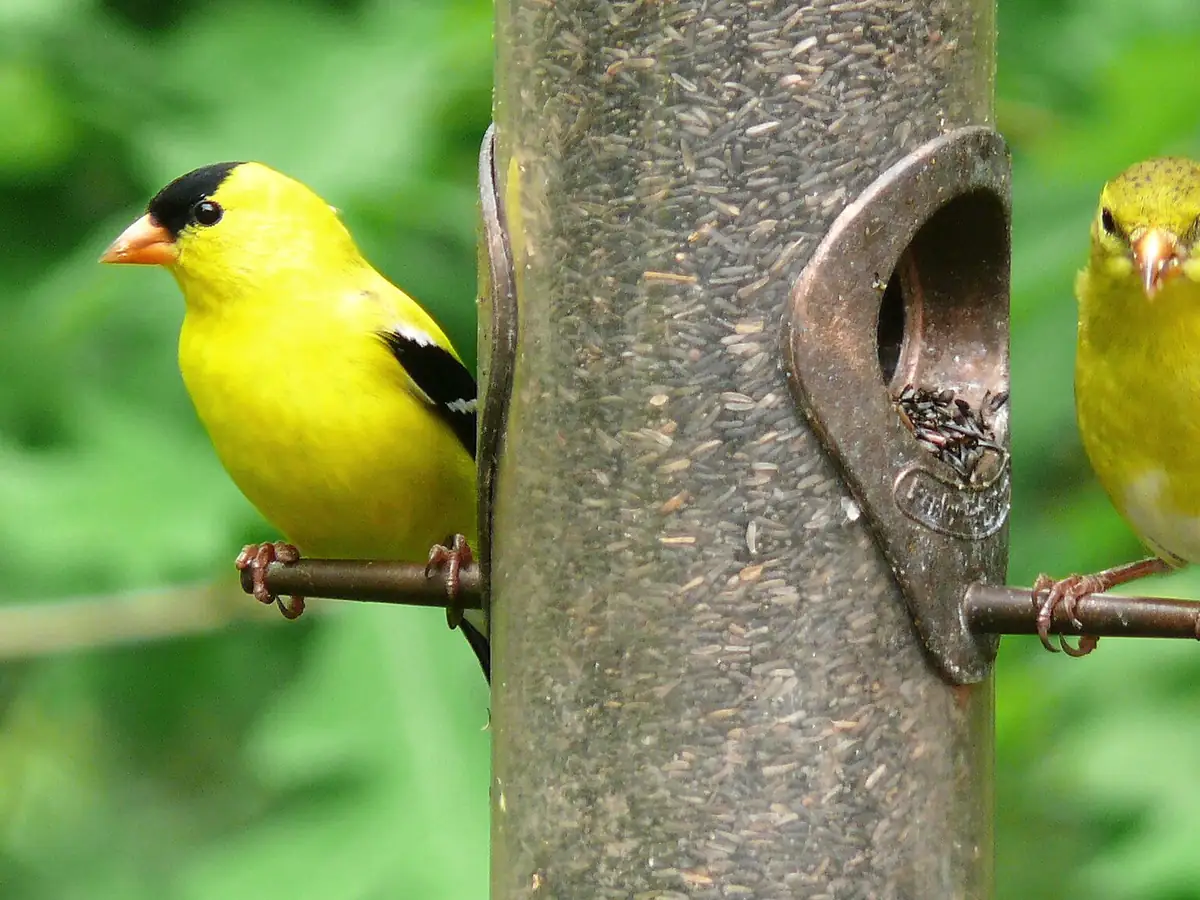
A smart bird feeder has a small camera built in. When a bird lands, it snaps photos and short videos and sends them to your phone – so you can enjoy the visits even when you’re not at the window.
- Photos & video alerts on your phone
- Connects over 2.4 GHz Wi-Fi
- Share with up to 10 guests
Featured product
The Birdbuddy smart bird feeder
Birdbuddy pairs a seed feeder with a detachable camera module and a free companion app for iPhone and Android. A solar-roof version is available, and the same camera also fits the brand’s hummingbird feeder.
- Camera module records photos and video when a bird arrives
- Weather-resistant camera (IP67 rated), detachable for charging or storage
- Seed capacity of about 3.8 cups on the Pro Solar model
- 24-month standard warranty from the date of delivery
Product details as listed on mybirdbuddy.com on October 8, 2026. Corenixbit is an independent site and is not affiliated with Bird Buddy Inc.
Who might show up
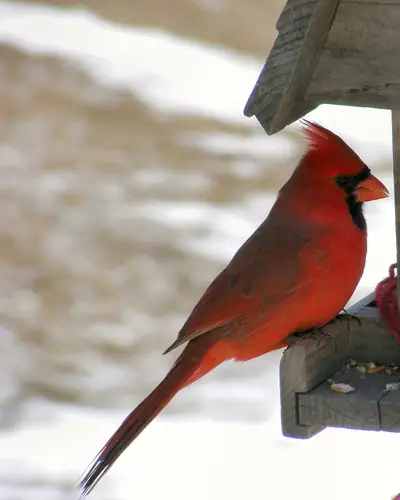
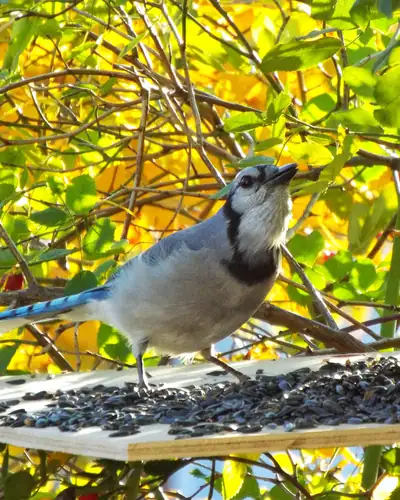
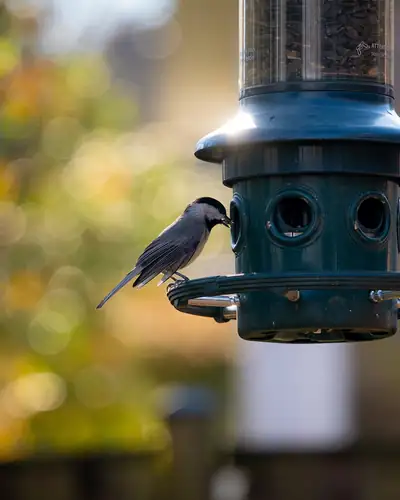
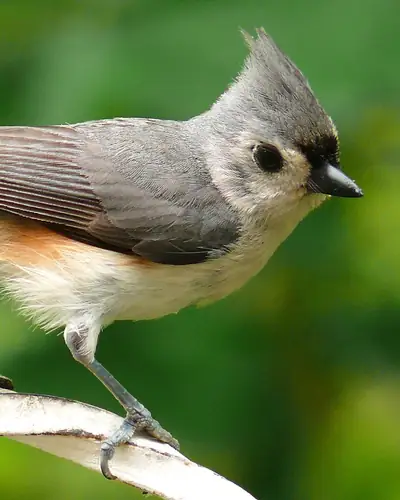
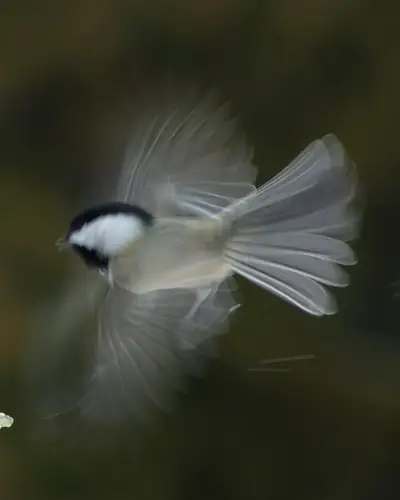
Common backyard visitors across much of the US. What you’ll see depends on your region, the season and the food you offer.
How a smart feeder works
Set it up once, then let the birds come to you.
- 1
Fill and hang it
Add seed, then hang the feeder or mount it on a pole, wall or fence where you can see it and the camera has a clear view.
- 2
Connect the app
Install the companion app and connect the camera to your home Wi-Fi. Birdbuddy uses the standard 2.4 GHz band.
- 3
Get visitor alerts
When a bird lands, the camera captures photos or a short clip and the app sends you a notification.
- 4
Learn who it was
Browse your visits, save favorites and look up the species to learn about its habits and calls.
Species identification
“Who was that?” – answered
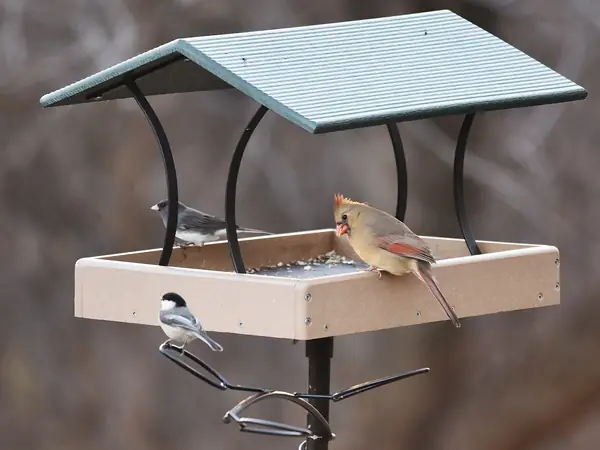
Smart feeder apps can suggest which species visited, based on the photo. It’s a great way to put a name to the juncos, chickadees and cardinals you’ve been seeing for years.
With Birdbuddy, the free app includes photos, videos and a livestream with manual identification. Automatic identification of every visitor is part of the paid Premium plans, according to the retailer’s plan comparison.
Optional subscription, prices as listed on mybirdbuddy.com/memberships on October 8, 2026. Plans are bought in the app and include a free trial period; you can cancel during the trial.
Handy everyday features
Wi-Fi setup
Connects to your home network on 2.4 GHz through an in-app guide.
Share the view
Invite up to 10 family members or friends to see your feeder’s visitors.
Weather-resistant
The camera is IP67 rated and works from about -5 °F to 120 °F.
Solar option
A solar roof helps keep the battery topped up, so you charge less often.
The Birdbuddy lineup at a glance
Prices as listed on mybirdbuddy.com on October 8, 2026, including advertised sale prices. Prices and stock change often – always check the shop.
Seed feeder
Birdbuddy Pro Solar
Seed feeder with the Pro camera and a detachable solar roof.
$189 listed sale price
View in shop →Hummingbird
Hummingbird Feeder Pro
Nectar feeder with the Pro camera, made for hummingbird visits.
$209 listed sale price
View in shop →Hummingbird
Hummingbird Feeder Pro Solar
Hummingbird feeder with a solar roof and an extra nectar basin.
$239 listed sale price
View in shop →Add-ons
Accessories
Options such as a wall mount, perch extender, suet ball holder and solar roof.
see current prices in the shop
View in shop →Sales tax, any shipping charges and the final total are shown by the retailer at checkout. Returns and warranty: see our Shipping & Returns summary.
Feeding & placement
Set up for more visits
- Start with black-oil sunflower seed. It appeals to many common feeder birds, including cardinals, chickadees and titmice.
- Mind your windows. Wildlife groups often suggest placing feeders either very close to a window (within about 3 feet) or well away from it, to reduce collision risk.
- Give birds cover nearby. A shrub or tree within a short hop lets birds rest and escape predators – but keep it far enough that cats can’t ambush from it.
- Point the camera at the light. Avoid aiming it straight into the sun for clearer photos.
- Be patient. It can take days or weeks for birds to discover a new feeder.
Keep it clean, keep birds healthy
A little routine care goes a long way for your visitors.
Wash regularly
Clean the feeder every couple of weeks with hot, soapy water – more often in wet or warm weather – and let it dry fully before refilling.
Keep seed dry
Throw out seed that is wet, clumped or moldy, and sweep up hulls under the feeder.
Pause if birds look sick
If you notice sick birds, take the feeder down for a while and clean it, so birds disperse.
Frequently asked questions
Does a smart bird feeder need Wi-Fi?
Yes. Birdbuddy connects to your home Wi-Fi on the standard 2.4 GHz band, so the feeder needs to be within range of your network.
How long does the battery last?
Birdbuddy says the camera can last up to about a month per charge, depending on the mode, bird activity, livestream use and weather. With the solar roof it may rarely need charging. It charges with the included USB-C cable.
Is there a subscription?
The app works without one. Optional Premium plans ($69.99/year Individual, $98.99/year Family as listed on October 8, 2026) add features such as automatic identification of all visitors.
Can I share it with family?
Yes, you can add up to 10 people to your feeder in the app.
What about returns and warranty?
Bird Buddy’s refund policy describes an authorized 90-day return window and a 24-month standard warranty. See our Shipping & Returns page for a summary and links to the full terms.
Will squirrels be a problem?
They can be. Placement on a pole with a baffle helps. Note that Bird Buddy’s warranty excludes damage caused by wildlife such as squirrels or raccoons.
Bring your backyard birds a little closer
Compare models, check today’s prices and read the full terms on the retailer’s website.
Corenixbit is an independent information site about smart bird feeders and backyard birdwatching. We are not affiliated with, endorsed by or sponsored by Bird Buddy Inc.; “Birdbuddy” is a trademark of its owner. We don’t sell products – purchases are made on mybirdbuddy.com under the retailer’s terms. Photos: Wikimedia Commons, see photo credits.